
Run your legal work in one place.
Your lawyers draft, research, and review with AI here - every answer traces to a source, and the call stays with them.



One platform, not ten tabs.
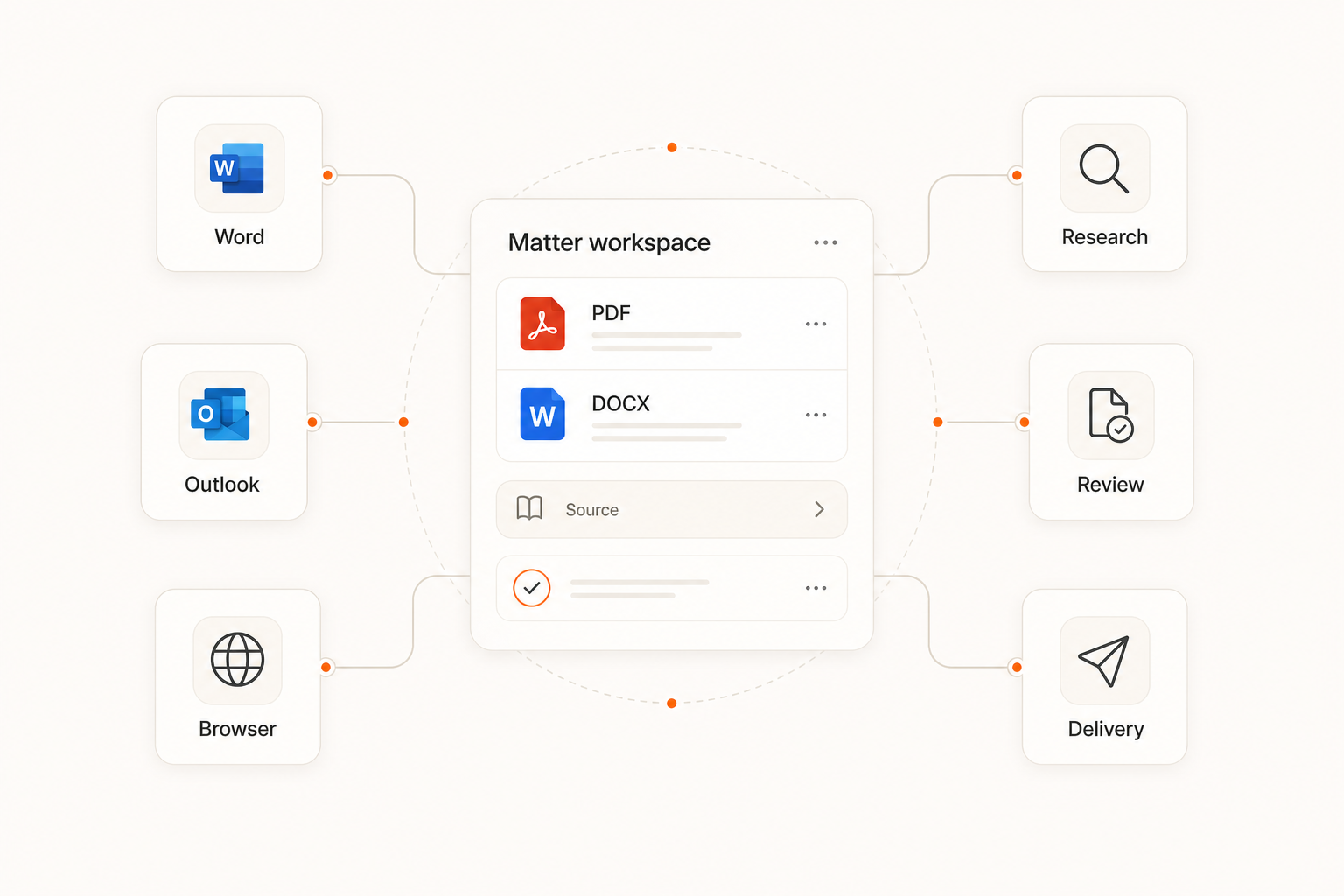
Most legal AI is a pile of separate tools. Goodman OS keeps drafting, research, review, and delivery on one shared context. Nothing gets re-explained.
Lawyers make the calls. The platform does the grunt work and shows how it got there. It runs inside Word, Outlook, and the browser your team already uses.
What's inside.
Every tool shares the same context. Start in one, carry the work to the next.
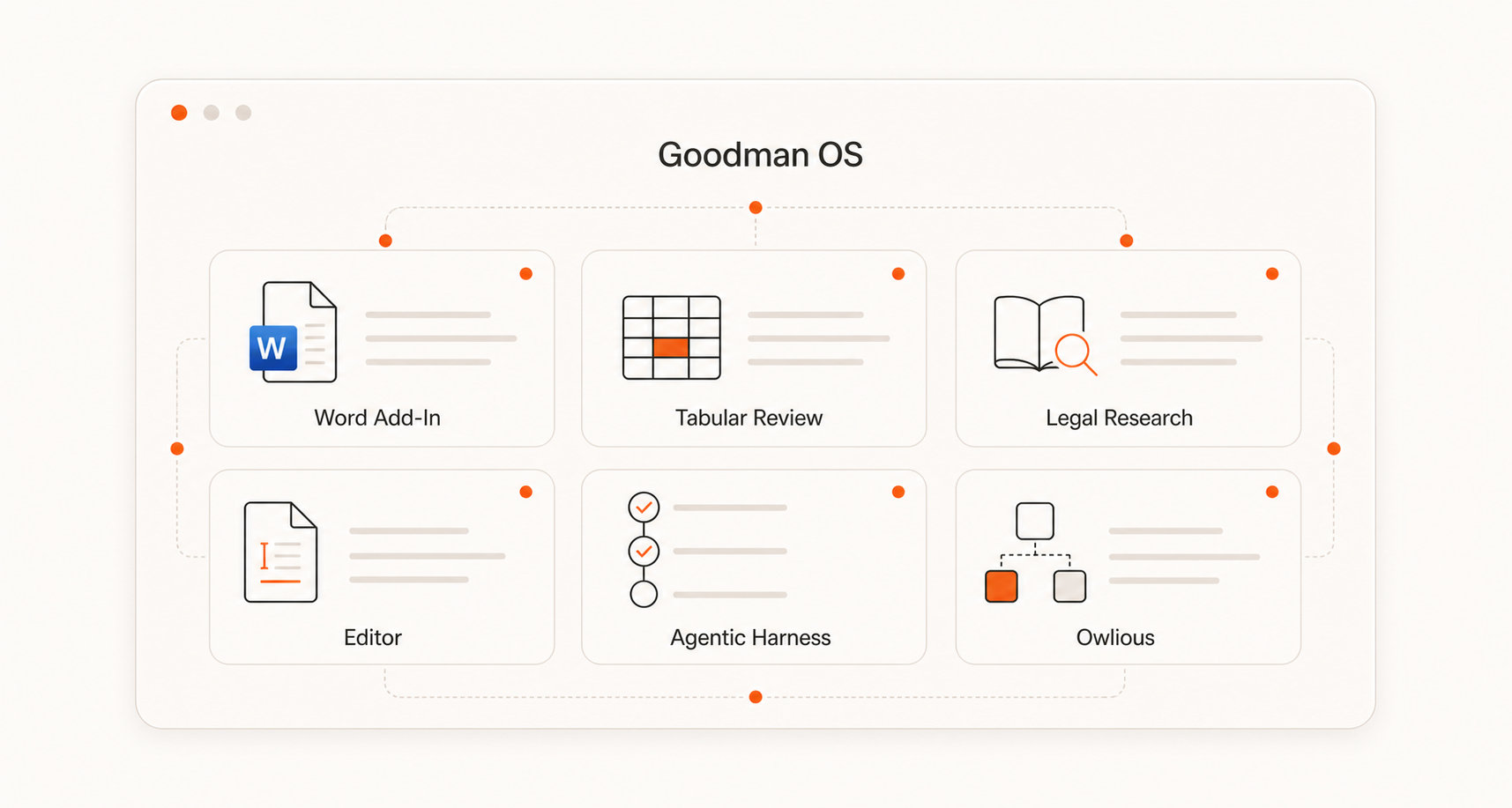
Draft and redline clauses right in the document. Ask in plain words; you keep the pen.
Explore the Word Add-In ->Load a folder of contracts as a table. Ask once across hundreds of files; get an answer per row, tied to the clause.
Explore Tabular Review ->Answers built on real authority. Each one links to its source, so you can check before you rely on it.
Explore Legal Research ->Write with AI beside you. Suggestions sit in the margin; the cursor stays yours.
Explore the Editor ->Hand off a multi-step job. The platform runs it and shows each step and source.
Explore the Agentic Harness ->Build your firm's own apps and workflows without code. Set up your method once, reuse it everywhere.
Explore Owlious ->- Outlook Add-In - draft and summarize email without leaving your inbox.
- Client portal - a secure, branded space to share work with clients.
- Mobile app - carry on from anywhere, same cited answers.
- Monitors - track changes across your matters and watched sources.
- Lists - group documents and matters into sets the team can work.
What we build for.
Three rules shape the product. All three keep the lawyer in charge.
It lives in Word, Outlook, and the browser. No new habits, no setup - just more done where your team already works.
Your team drives; the AI helps. Everyone works from the same shared context, not a blank page.
Every answer shows its sources. Check it, defend it, and make the final call yourself.
Fits your practice.
Get through discovery faster. Pull key facts, build timelines, find the passage across thousands of pages.
Litigation ->Run diligence at speed. Read the data room, pull deal terms, answer buy-side questions with cites.
M&A ->Work through dense authority with answers tied to the source, ready for your specialists to check.
Tax ->Compare policies and read coverage at scale, every conclusion tied to the wording.
Insurance ->Build and check filings faster, with a clear paper trail behind every answer.
Immigration ->One system pays off across the firm: hours back for real lawyering, accuracy you can trace, and a way of working that grows with you.
See it on your own work.
Bring a real matter and watch your team run it, live.
Built for lawyers / Private by default / Cited to source